Account deletion is requested from the app and processed by your card issuer. Read what is deleted and what happens to your cards before you request it.
Before you start: Move any money off your cards first: once the account is deleted it cannot be recovered. Example screens with sample data; your app may look slightly different.
Step by step
Step 1
Request deletion
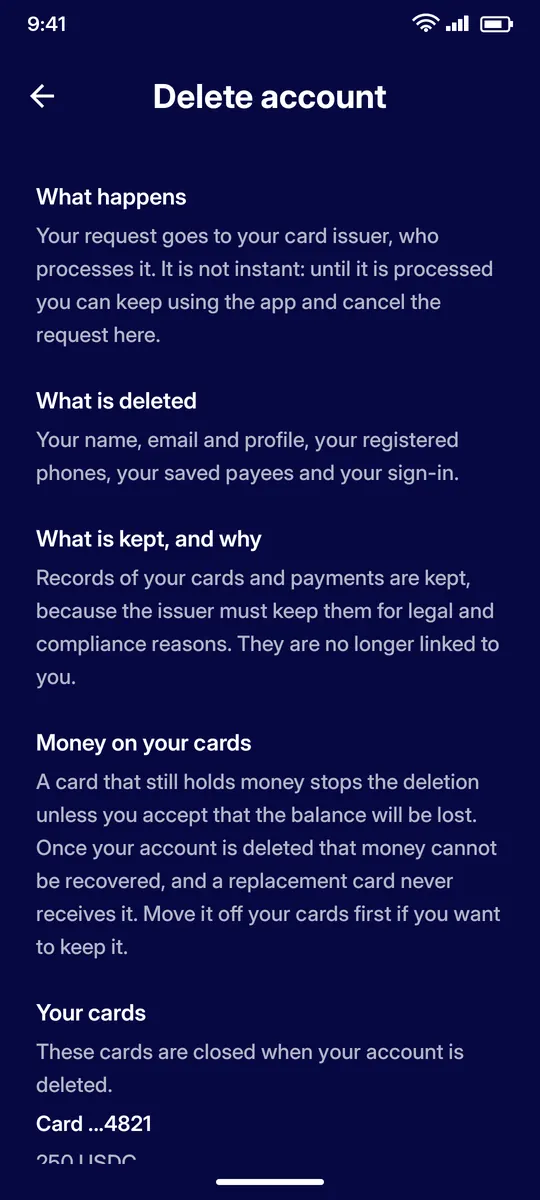
Settings › Delete account (its own section at the bottom of Settings). Tick I understand any balance left on my cards will be lost, tap Delete my account, type DELETE and tap Delete account; you can also use Request deletion on the web. The request goes to your card issuer and is not instant. Your name, email, profile, phones, payees and sign-in are deleted; card and payment records are kept for legal reasons but are no longer linked to you. Your cards are closed. A card that still holds money stops the deletion unless you accept that the balance will be lost.
Step 2
While it is pending
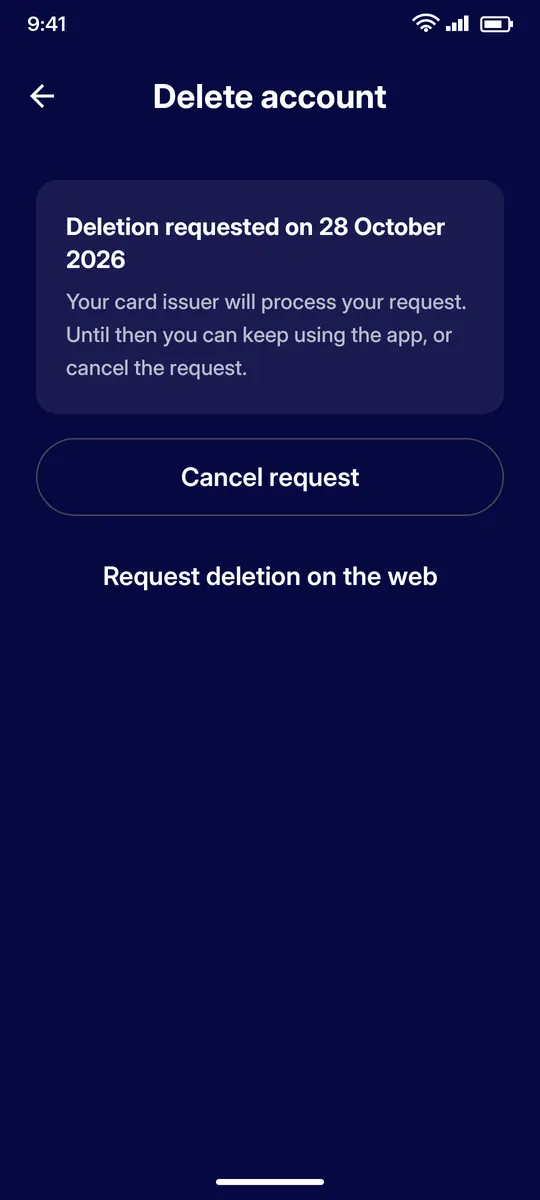
Until the issuer processes the request you can keep using the app, or tap Cancel request.
FAQ
Questions
Is deletion immediate?
No. The request goes to your card issuer and is processed later. Until then you can keep using the app or cancel the request.
What is deleted?
Your name, email, profile, registered phones, saved payees and sign-in. Card and payment records are kept for legal and compliance reasons but are no longer linked to you.
What happens to money on my cards?
A card that still holds money stops the deletion unless you accept that the balance will be lost. Once the account is deleted the money cannot be recovered, so move it off your cards first, while you still have the cards.
Can I cancel the request?
Yes. Tap Cancel request on the Delete account screen while the request is pending.