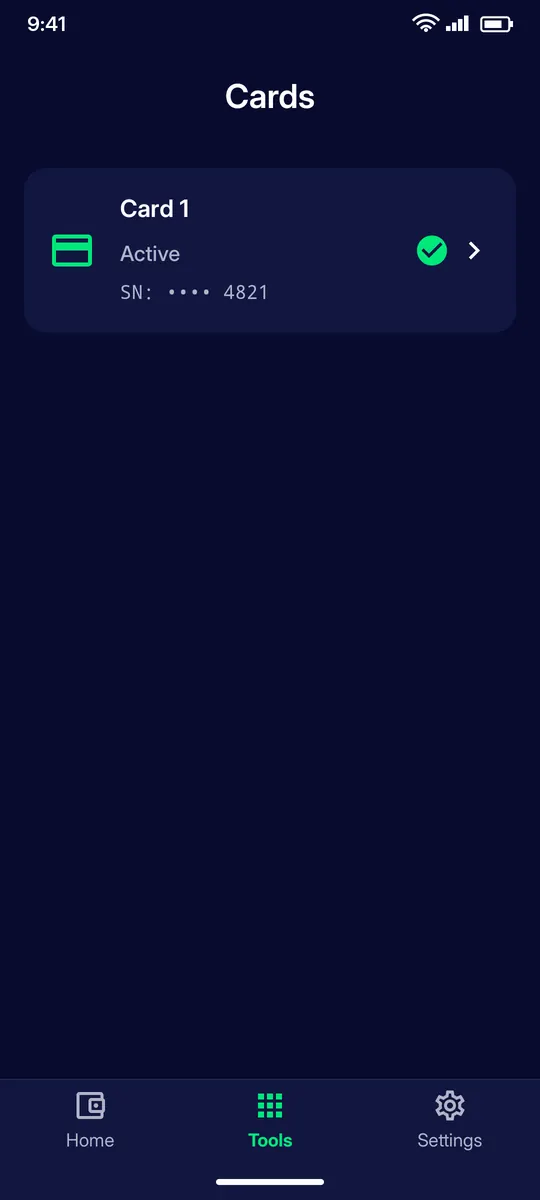
Each card shows its status (Active, Frozen, Closed) and the last digits of its serial. Tap a card to open it.
STEP 2
Card page
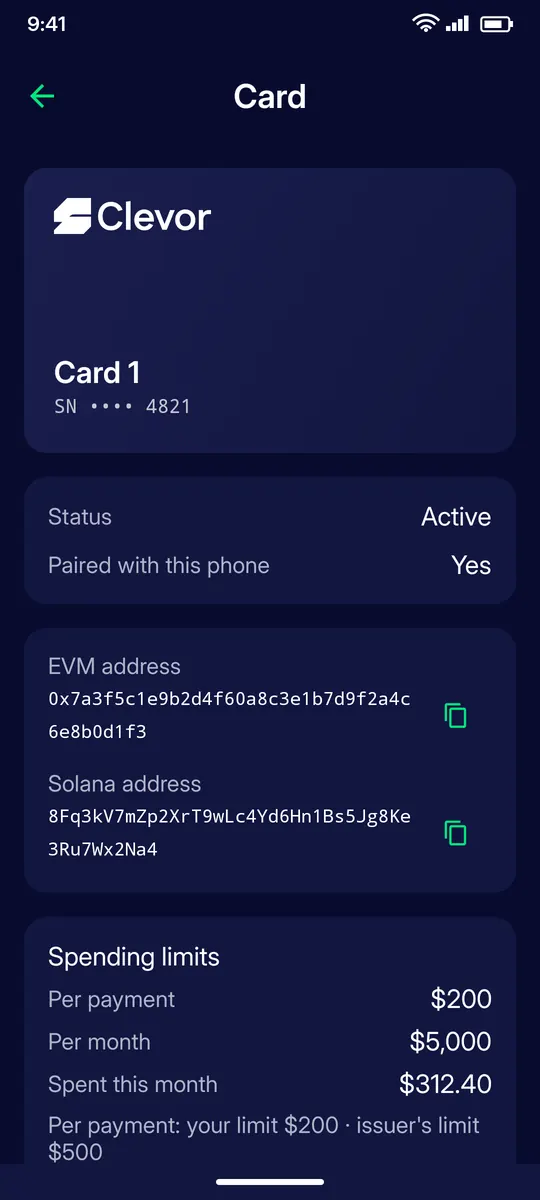
See whether the card is paired with this phone, copy its EVM and Solana addresses, and check the spending limits: per payment, per month and spent this month. Your own limit can be lower than the issuer’s.
STEP 3
Freeze a card
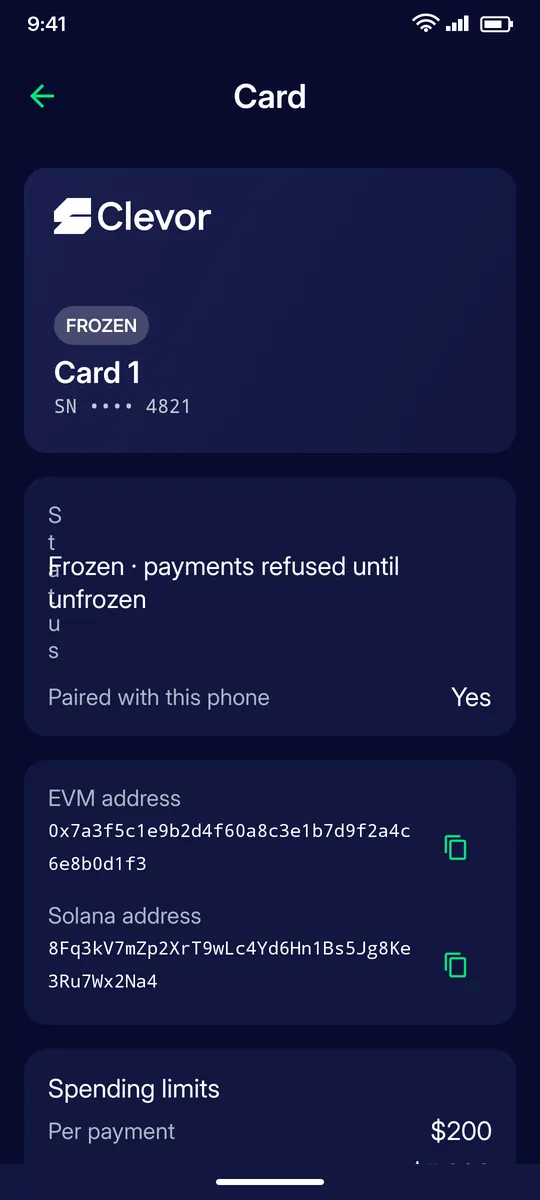
Misplaced your card? Freeze it: payments are refused until you unfreeze it. Found it again? Unfreeze it and it works as before.
STEP 4
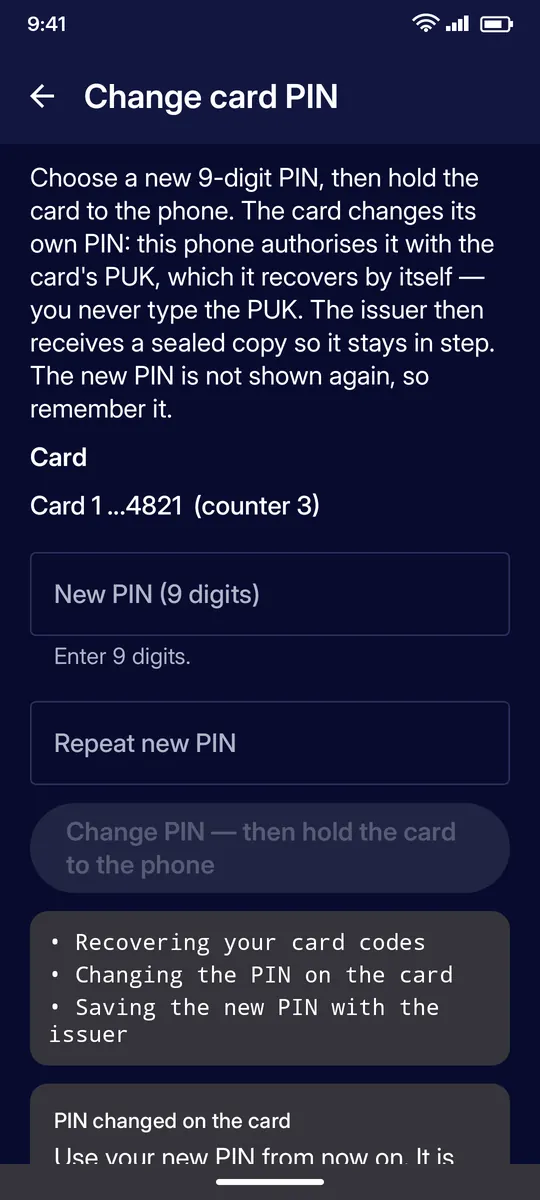
Change card PIN
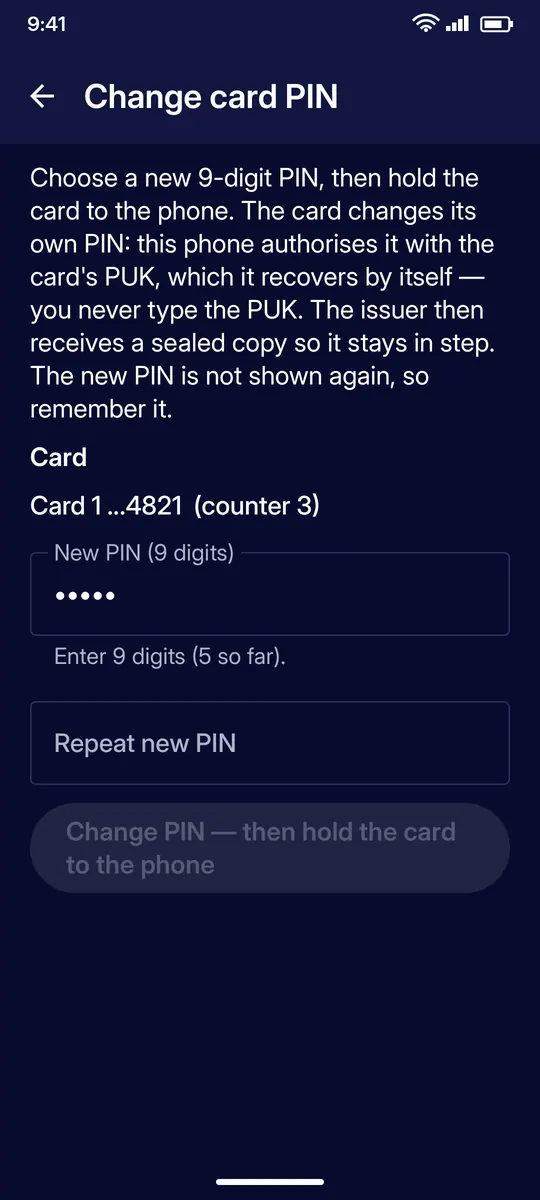
Choose a new 9-digit PIN, repeat it, then hold the card to the phone. The phone recovers the card’s PUK by itself, so you never type it. The new PIN is not shown again, so remember it.
STEP 5
PIN changed
The app recovers your card codes, changes the PIN on the card and saves the new PIN with the issuer. Use your new PIN from now on.
STEP 6
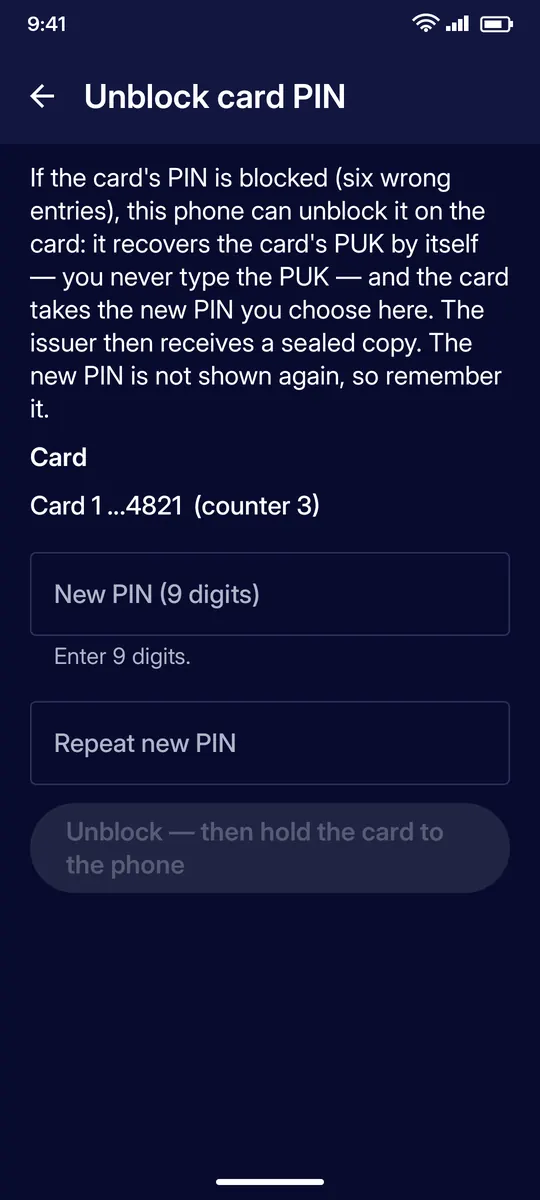
Unblock card PIN
Six wrong PIN entries in a row block the card. This screen unblocks it: choose a new PIN, repeat it, then hold the card to the phone.
STEP 7
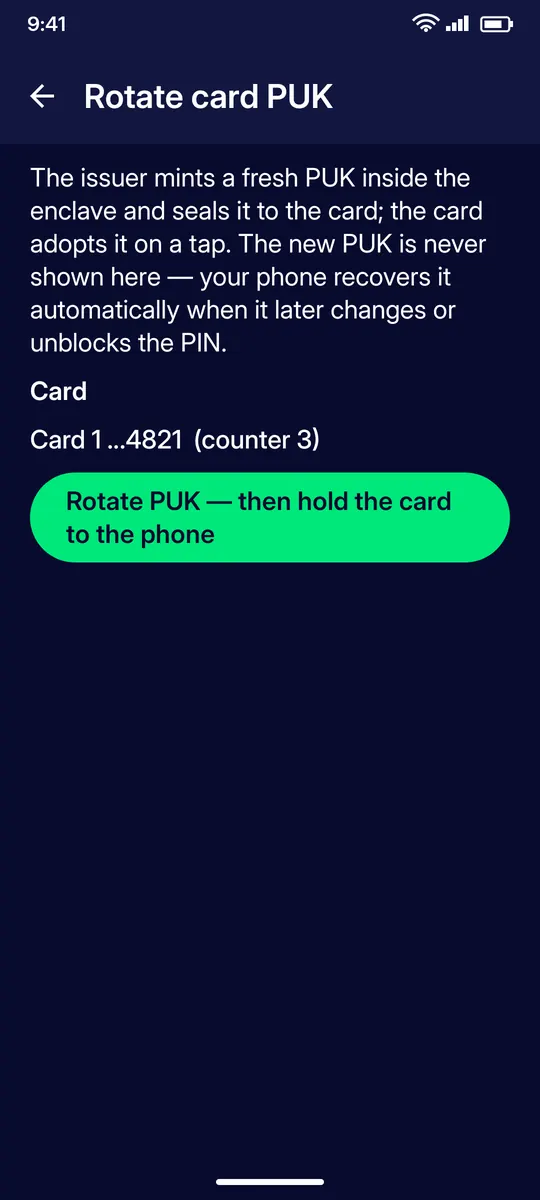
Rotate card PUK
The issuer mints a fresh PUK and seals it to the card; the card adopts it on a tap. The PUK is never shown: your phone recovers it automatically when it later changes or unblocks the PIN.
STEP 8
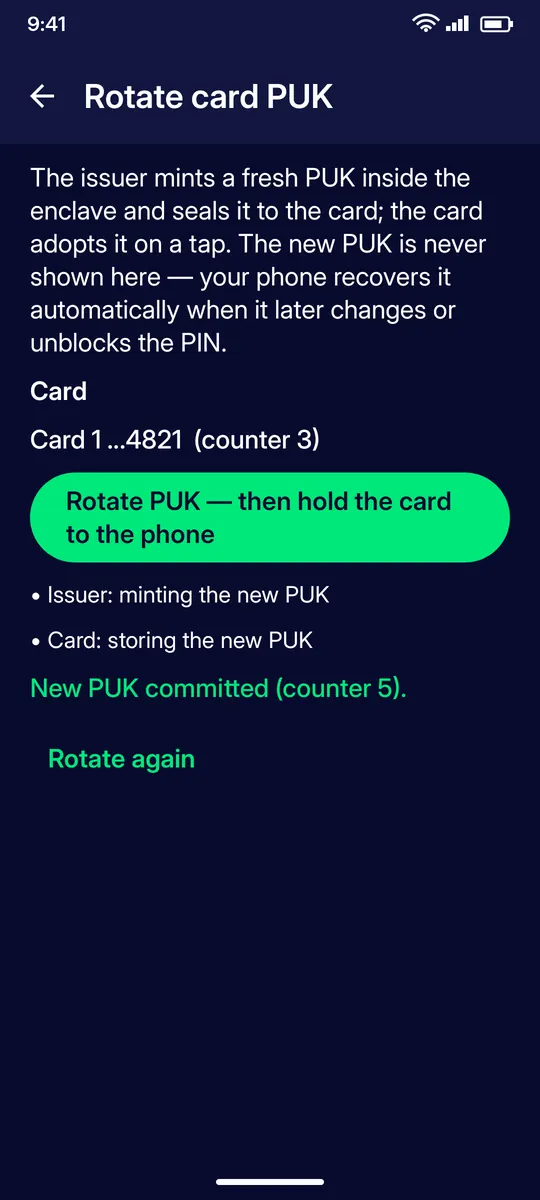
New PUK committed
The issuer mints the new PUK and the card stores it; the counter increases. You can rotate again at any time.
STEP 9
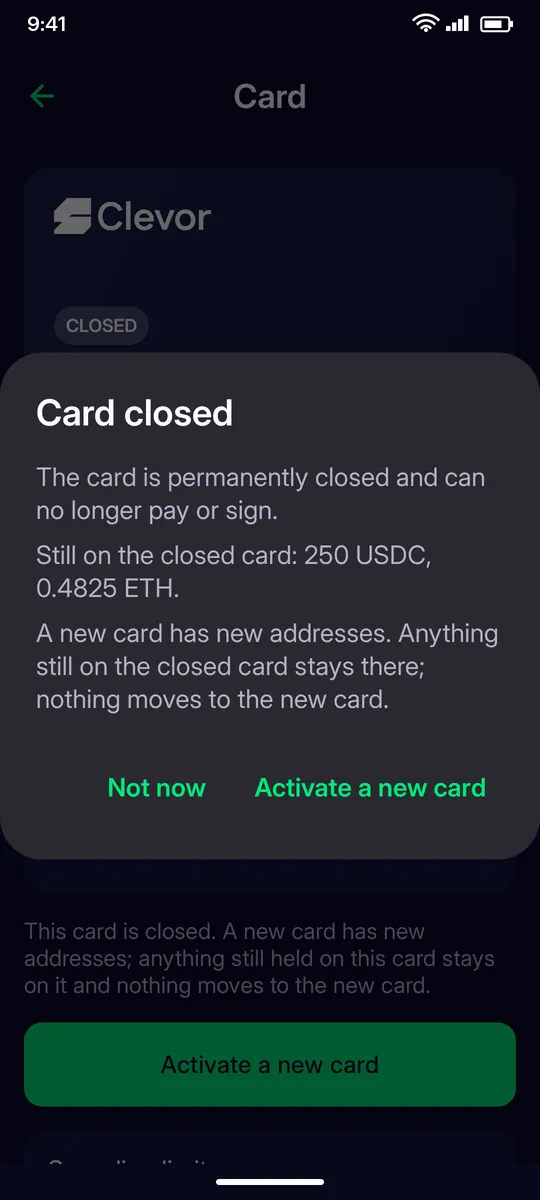
Closed card
A card reported lost or stolen is permanently closed and can no longer pay or sign. A new card has new addresses: anything still on the closed card stays there. Move funds off a card before closing it whenever you can.
IF SOMETHING GOES WRONG
If something goes wrong
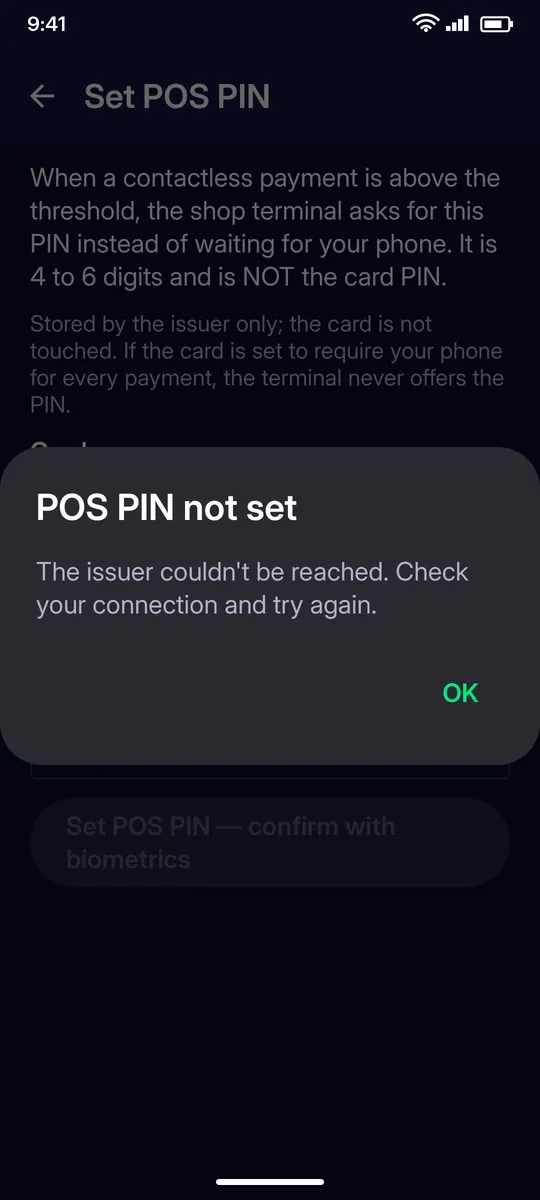
POS PIN not set
The issuer couldn’t be reached. Check your connection and set the POS PIN again.
QUESTIONS
Questions
What should I do if I misplace my card?
Freeze it from the card page: payments are refused until you unfreeze it. If the card is lost for good, report it lost; a closed card can no longer pay or sign.
How long is the card PIN?
9 digits. Six wrong entries in a row block the card until you unblock it from the app.
I forgot my card PIN. What can I do?
Use Change card PIN to set a new one; the phone recovers the card’s PUK by itself. If the PIN is already blocked, use Unblock card PIN.
Do I ever need to type the PUK?
No. Your phone recovers the PUK from the issuer when the PIN is changed or unblocked, and Rotate card PUK replaces it with a fresh one.
What happens to the funds on a closed card?
They stay on the closed card’s addresses. A new card has new addresses and nothing moves automatically, so move funds before closing a card whenever you can.